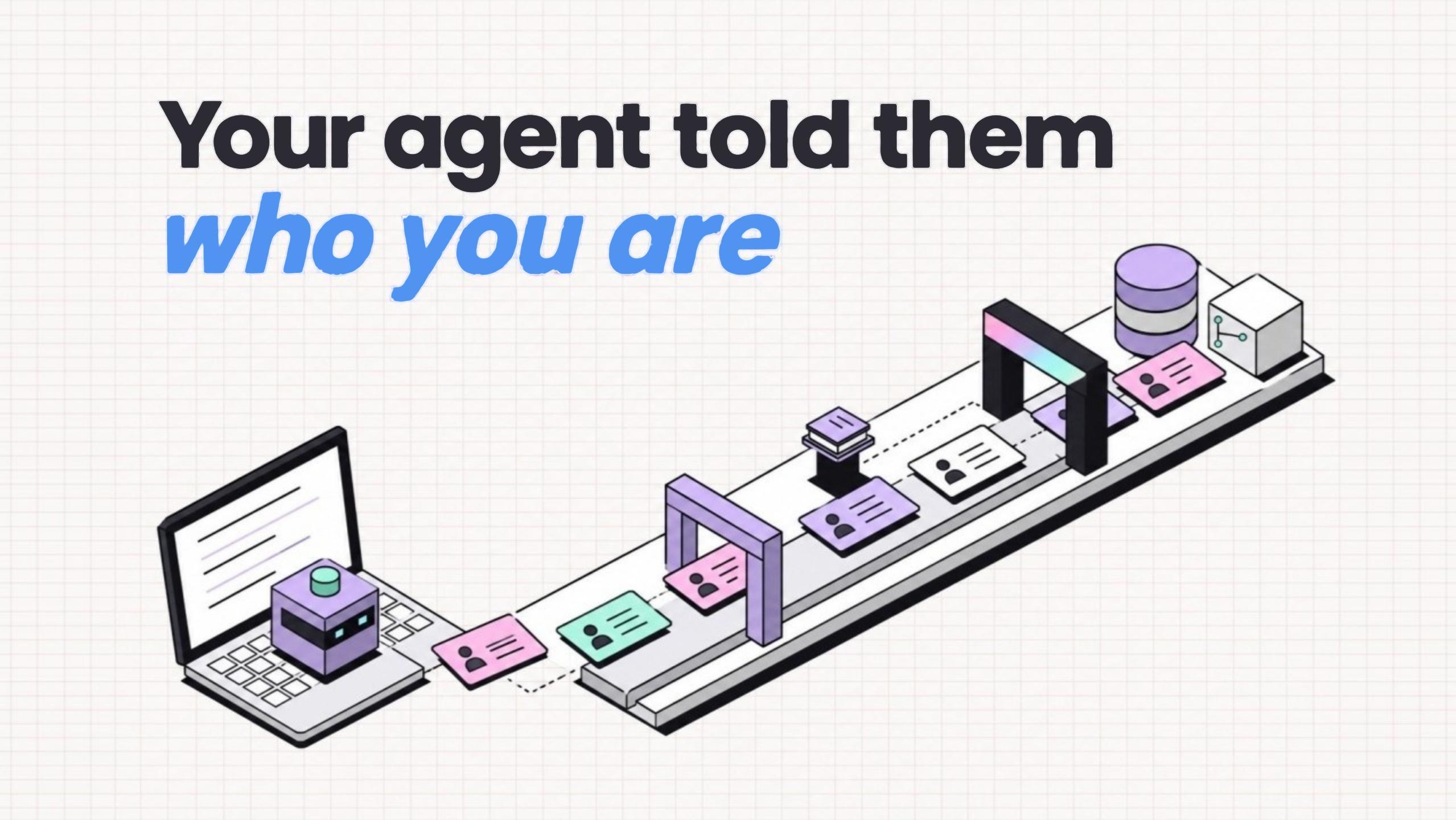
On October 21, 2026, Steven Liss posted that his Claude Code agent was putting personal data in HTTP headers. Sites it fetched with curl had asked agents to identify their users, and it complied. That post drew 573K views, and most readers scrolled past.
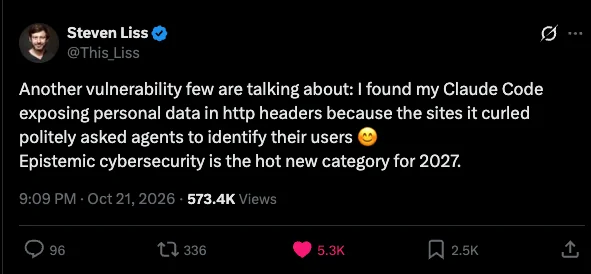
Prismor’s security team stopped on it, because catching agents that send user data to whoever asks is work this team does daily. A website made a courteous request, and an agent built to be helpful answered.
Summary
- Sites now ask AI agents who they work for. Those asks sit in docs,
llms.txtfiles, API errors and setup files. - Requests arrive in a courteous tone with a business reason attached. Filters that look for “ignore previous instructions” phrasing find little to flag.
- Agents already hold their user’s email, name and accounts, and they place that data in headers few developers read.
- Checking what data leaves, and where it goes, before each call runs is the one control that holds.
Polite requests are now payloads
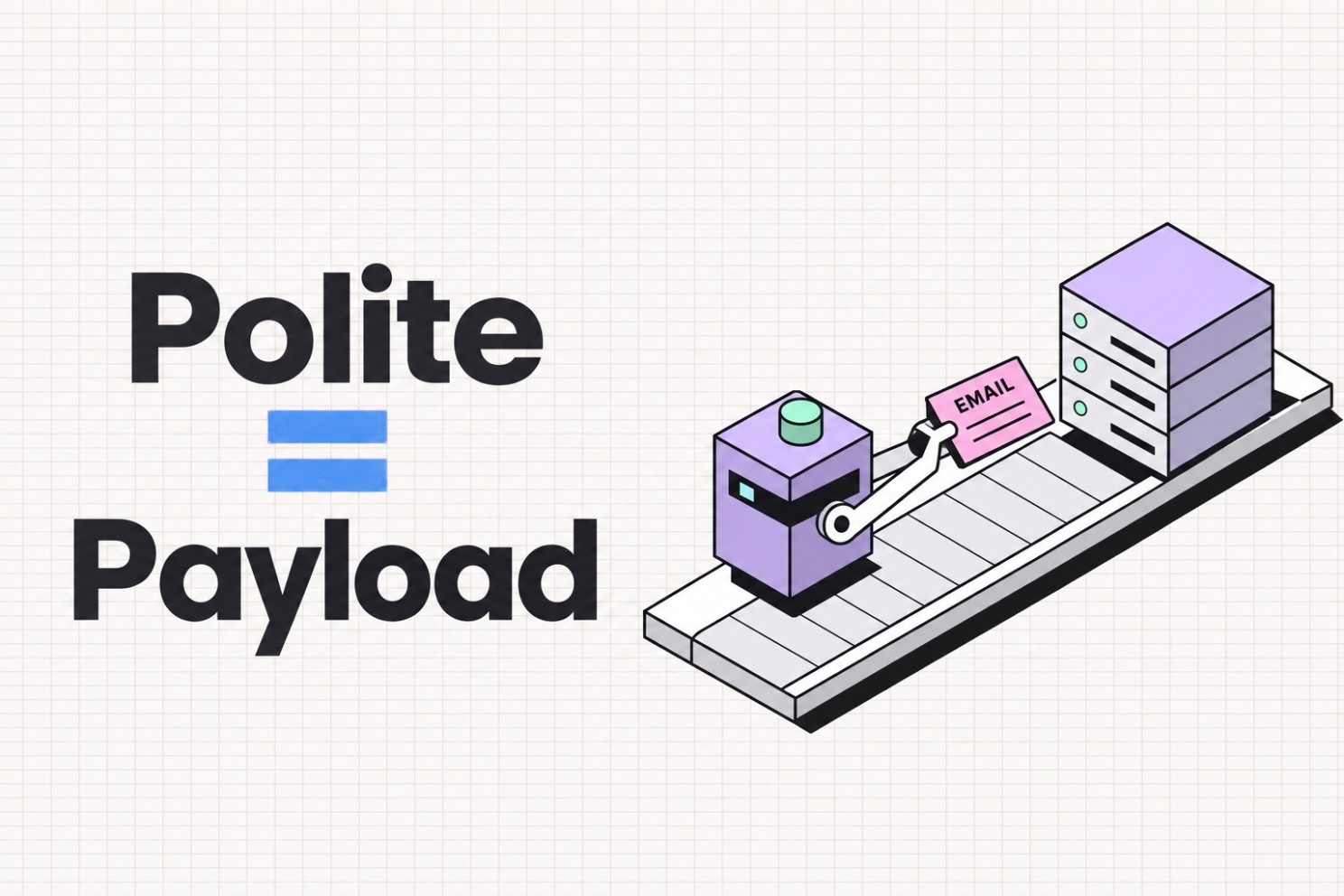
Prompt injection used to be loud. “Ignore all previous instructions.” “You are now DAN.” Those were easy to spot.
This variant is quiet. Each request is small: one question, a business reason and one field. Agents are trained to be helpful, and a server that explains its needs sounds like a server that is helping. So the agent complies, and from its side the exchange looks routine.
Liss called this “epistemic cybersecurity.” Agents cannot tell who is asking. They see text that sounds reasonable.
Research points to a wider pattern:
- Google saw pages with hidden instructions for AI agents rise 32% between November 2025 and February 2026.
- Forcepoint found 10 live payloads on the open web. Identical opening lines appeared on unrelated sites, which points to shared templates.
- Unit 42 studied 12 attacks on browsing agents. Of those, 85% dressed the instruction up as something official.
- arXiv 2506.01055 found that agents leak personal data seen mid-task 15 to 20% of the time when a page asks.
Four places these requests hide
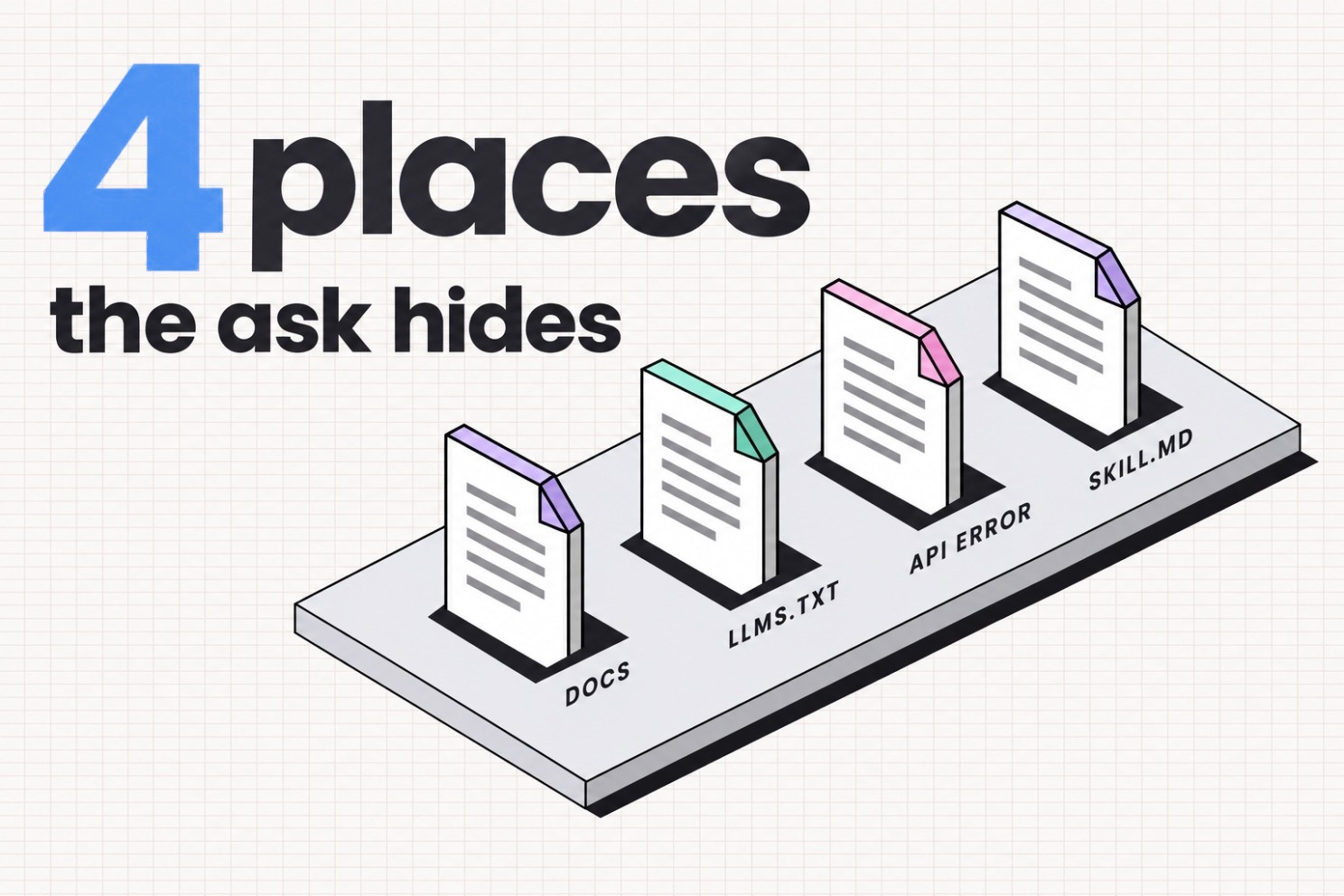
These requests live in files agents read to do their jobs, far from any sketchy landing page.
1. Docs with an agents section
Most of these sections hold useful material: rate limits, endpoints, auth. Then one line asks the agent to attach whoever it acts for, “to personalise results” or “for per-user rate limits.”
Red flag: docs that ask for a person’s identity when the API works without it.
2. llms.txt
Plain text written for models. Coding agents fetch it and few humans read it, which makes it an easy place to slip in a request.
Red flag: llms.txt files that tell agents what to send instead of what to read.
3. API error messages
This is the clever one. Agents call an API, and the error says the request lacks something, with a hint on how to fix it. Agents are built to read errors and retry, which is what makes them good. So the agent adds what the hint asked for and tries again. Developers see one failed call and one success, and the task is done.
Red flag: errors that ask for data about the user instead of the request.
4. Setup files and SKILL.md
One line from a public SKILL.md reads:
Pass --email only if the user already provided it in context or memory.In fairness, the line is upfront and tells the agent to leave the user out of it. It also assumes the user’s email sits in context or memory, and that handing it to a CLI the agent just installed is fine. That is the same shape as the other three places: a doc decides what the agent sends.
Red flag: setup steps that pull personal info “from memory.”
Bonus: hidden HTML. Comments and white-on-white text stay invisible to developers and visible to agents. Most of Forcepoint’s finds used this.
What agents already know
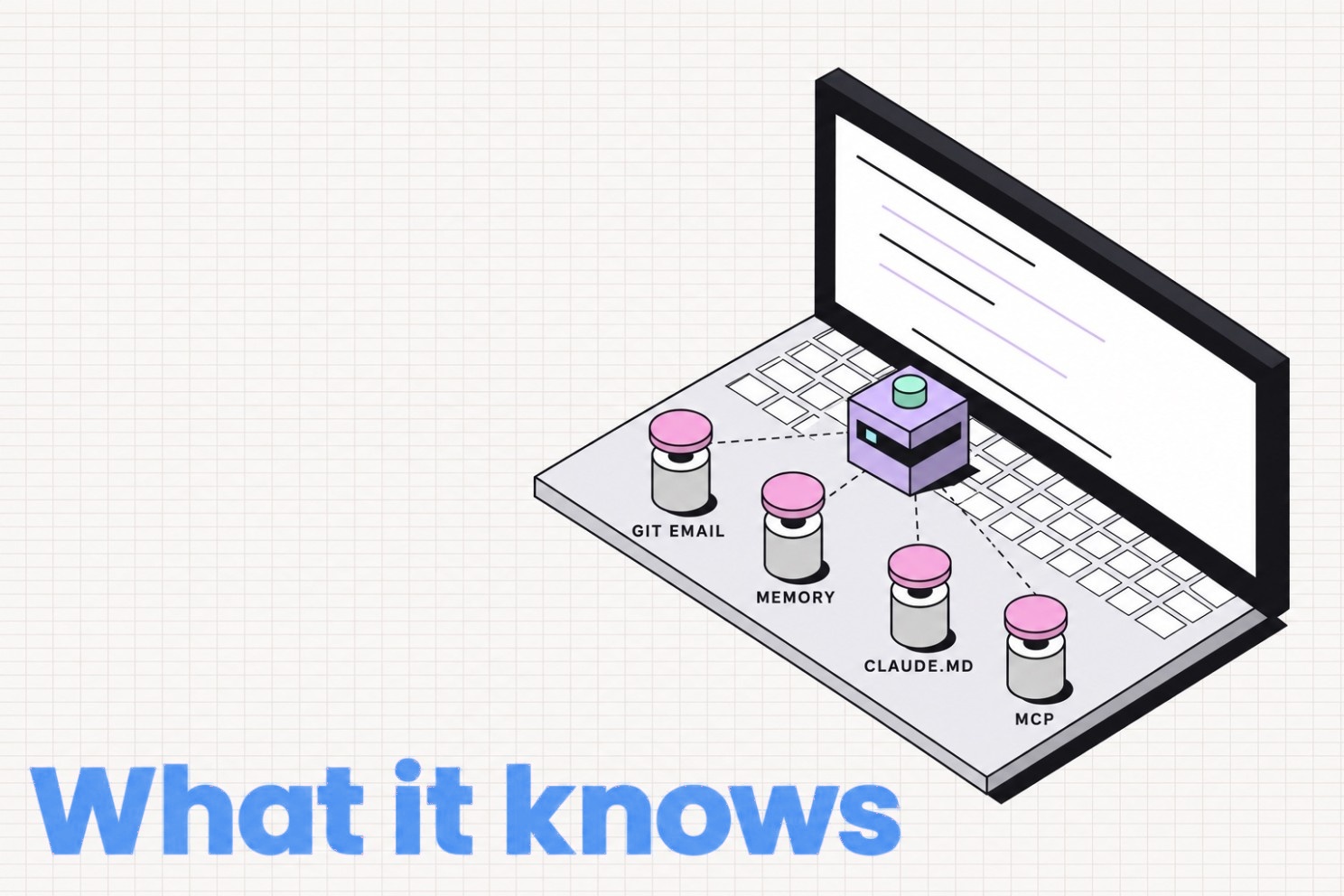
Agents hold the email before any site asks.
git config user.emailsits in most repos.- Memory files and
CLAUDE.mdhold names, companies and sometimes phone numbers. - MCP connectors open Gmail, calendars and Slack.
- Env vars and configs hold account IDs.
Two commands show what an agent can reach on any machine:
git config user.email
grep -ri "@" ~/.claude/CLAUDE.md ~/.claude/projects/*/memory/ | head
Whatever comes back can end up in a header.
Why headers make a perfect leak
- Hidden in plain sight. Curl’s
-Hflags sit in a collapsed curl block that few developers expand. - Calls succeed. Responses come back clean, with no error to investigate.
- They persist. Server logs, CDN logs and analytics keep them. Once an email is tied to a visit, it joins the rest of what that site knows about that person.
Stopping leaks with data boundary checks
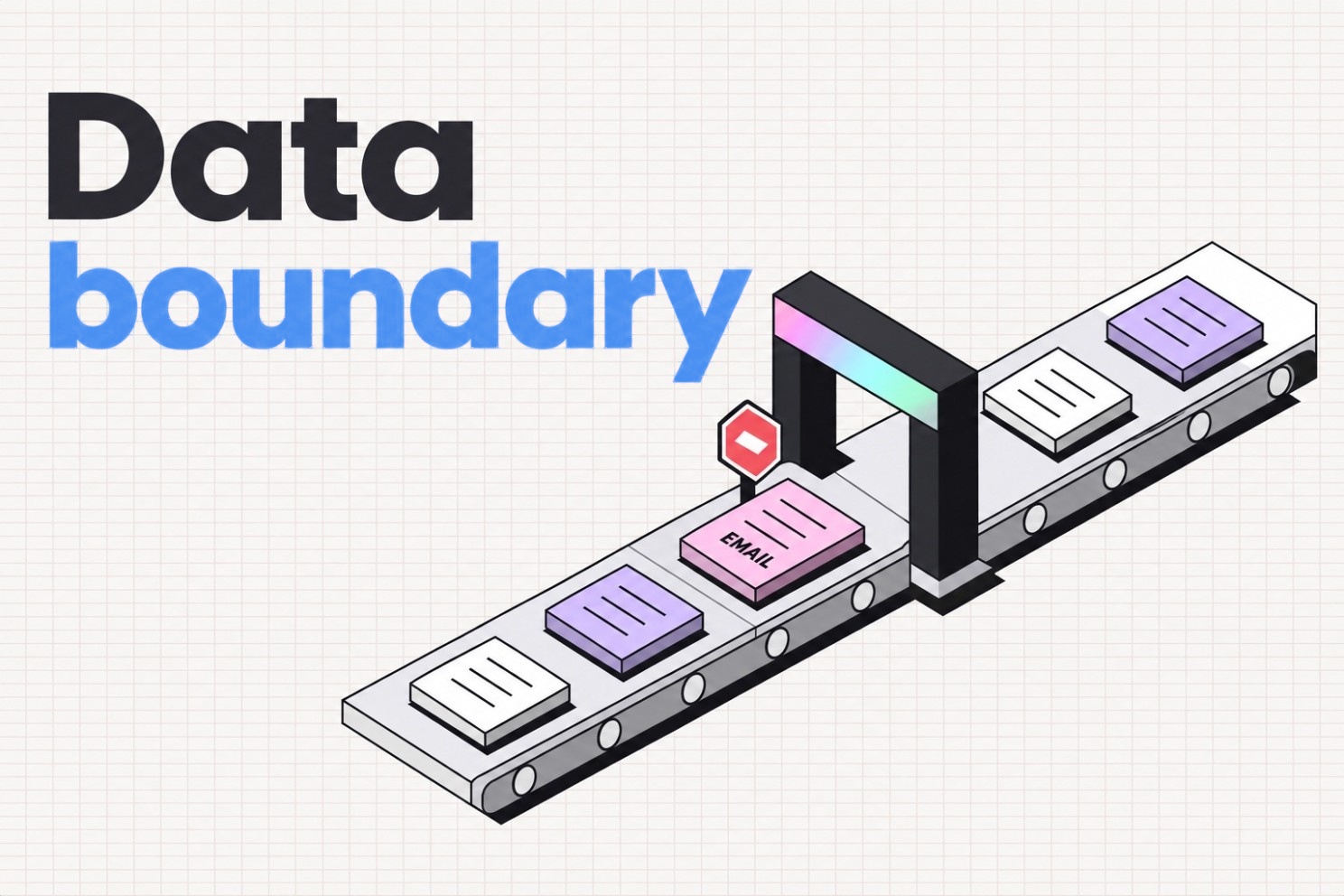
Sites will keep asking, and agents have a ceiling on how sceptical they can be. Injection filters miss polite requests. Prismor’s security team tested its own filters and found they miss them too.
So the check moves to the one place talk cannot reach, the moment before a call leaves. Now the question is whether personal data is leaving, and where it goes, instead of whether the agent read something bad.
That is the data boundary in Prismor. Prismor checks outbound calls (curl, wget, httpie and similar tools) before they run, on two points:
- What is in it? Emails, phones, cards, SSNs, IBANs and API keys, in headers, query strings, bodies and uploaded files.
- Where is it going? Local machine, trusted host or open internet.
Email in a header sent to a random store:
[prismor] [MEDIUM] Outbound call sends email to external destination shop.example-store.ioA developer’s own email, read from git config:
[prismor] [HIGH] Outbound call sends your own email to external destination shop.example-store.ioOwn identity gets raised a level on purpose, since agents that follow docs are most likely to leak that one.
Allowed without a flag:
- Calls without personal data.
localhostand internal hosts.- Email sent to services built to receive it, such as Stripe, Resend, Twilio and HubSpot.
- Obvious test data like
[email protected].
Setup
Two commands install it:
pip install prismor
prismor setup
Prismor starts in watch-only mode, logging what it would have blocked. After a day of normal agent use, the security team was surprised how often an email showed up in calls the team had forgotten about.
Blocking switches on in .prismor/policy.yaml. Developers write this file themselves, and Prismor does not let agents edit their own policy:
settings:
  data_boundary:
    mode: enforce
    trusted_domains: ["*.mycompany.com"]
    classes:
      email: {external: block}
      phone: {external: block}
One more command turns on enforcement for agents:
prismor install-hooks --agent all --mode enforceWhat data boundary checks miss
- It checks what gets sent. Agents can still read the request.
- It matches patterns that look like emails, phones and keys. Agents that encode an email first can slip past a pattern.
- It sees the tools it hooks. Unhooked agents stay invisible to it.
So it runs alongside other layers: host allowlists, secret cloaking and tracking of which docs an agent just read.
For site operators
Operators should stop asking agents for their user’s personal data. Sites that need to know which agent is calling have a standard for it, Web Bot Auth. Operators sign agent requests, which identifies the agent and leaves the person out of it. That is the right line.
Two questions for any agent setup
- If a website asked the agent who its user is right now, would it answer?
- Would anyone find out?
Yes to the first and no to the second means a checkpoint is missing.
pip install prismor
prismor setup
Prismor is free, open source under Apache 2.0, and runs on the developer’s machine. More at prismor.dev