An MCP server is not a library that sits quietly in a dependency tree. It is a running process with a connection open to an agent, and the agent will call it on its own judgment, at times nobody scheduled, with arguments nobody reviewed.
That makes installing one a different decision than installing a package. These are the ten checks worth running first.
1. Who built it
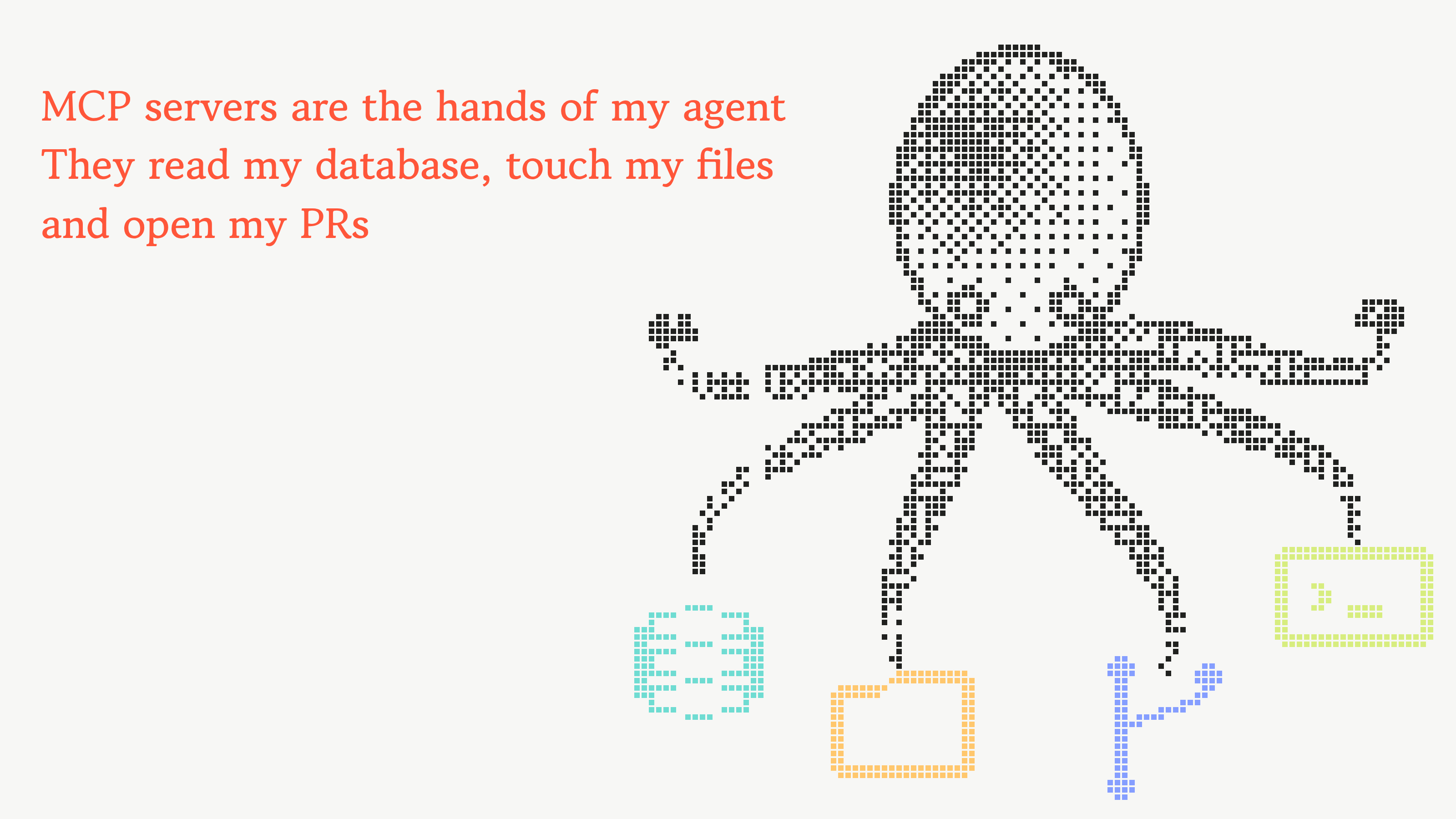
Start with the publisher, because every later check is harder against an anonymous one. A server under a known vendor’s namespace, with a linked repository and a release history, is a different proposition than a single-file script with no author. Typosquats are the specific risk here: a name one character off the real thing, a README copied wholesale, a package page that looks right at a glance.
2. Age and maintainers
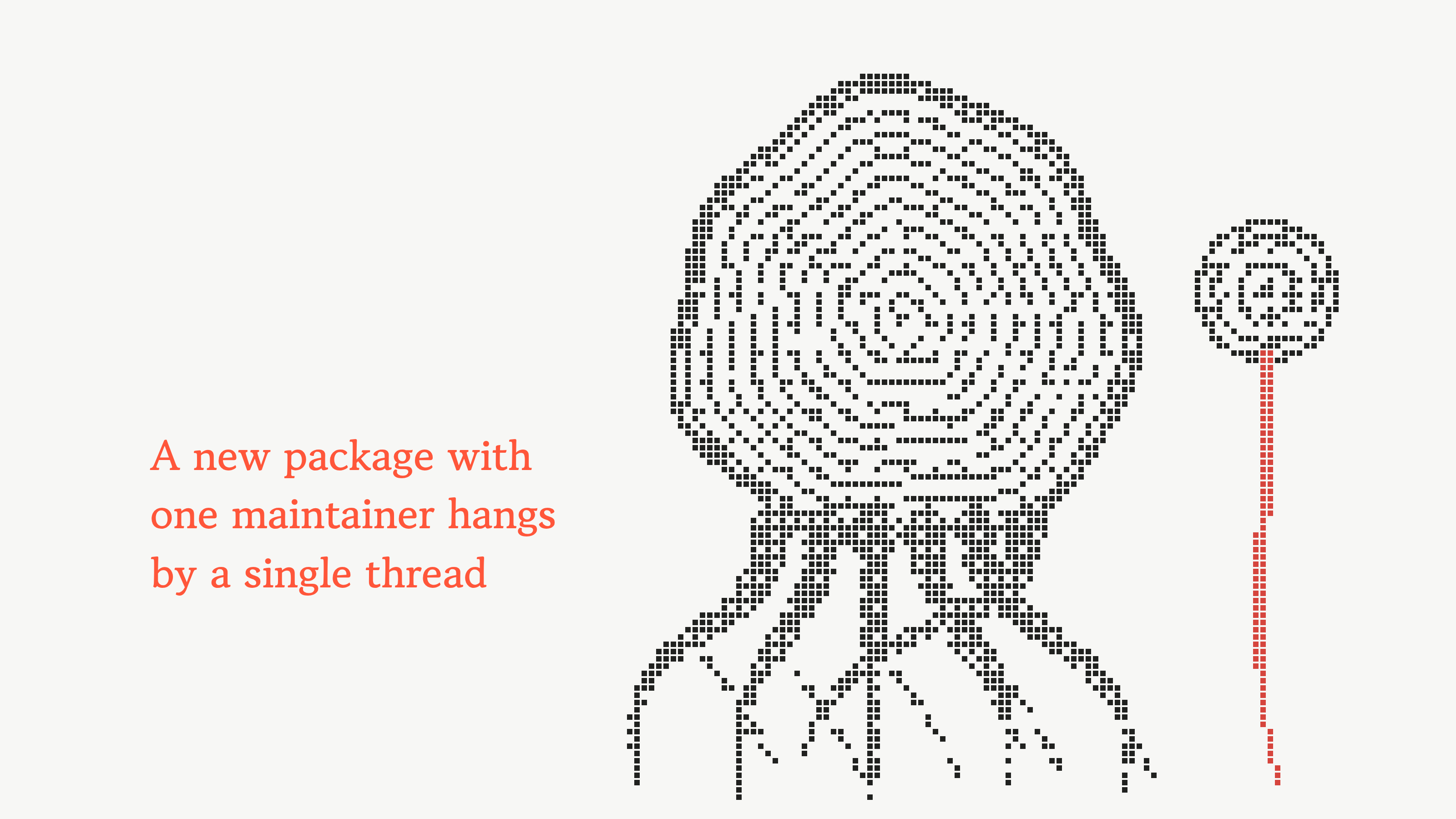
A package published last week, with one maintainer and no download history, has nothing holding it steady. That is not proof of bad intent. It is a measure of how much weight the thing can carry if the single account behind it is phished, sold, or abandoned.
3. Install scripts
A preinstall or postinstall hook runs the moment the package lands, long before the agent calls a single tool. Reviewing a server’s tool list carefully and then installing it with scripts enabled gets the order backwards. Check the manifest for install hooks first, and install with scripts disabled when there is any doubt.
4. Authentication
Authenticating the connection is the easy half. The question that matters is whether every tool behind it is authorized separately, or whether one accepted handshake opens all of them. A server that checks identity once at the door, then treats every subsequent call as trusted, has a single control protecting an entire surface.

5. Transport and egress
A local server speaking over stdio stays on the machine that launched it. A remote one is a network service, with the usual questions attached: whether the transport is encrypted, whether the endpoint is a name or a bare IP, and whether it sits inside the egress allowlist the organization already enforces everywhere else. A server that needs one API should not be able to reach anything else from the same process that holds the credentials.
6. Permissions
The token an MCP server holds is usually provisioned once and then forgotten. Mint one scoped to this integration, read-only where writes are not needed, rather than handing over the broad key that already works everywhere. A server compromised six months from now is only as dangerous as the credential it is sitting on.
7. Tool descriptions
Read the tool list before the first prompt, not after the first incident. A server that advertises calendar lookups and also registers a tool that writes arbitrary files has a scope well past its stated job. The description is the only thing the model has to go on, and a tool that does what it says plus one more thing will still look correct in every transcript.
8. Prompt injection
A tool description is text the model reads and acts on, which makes it a delivery channel. So is anything the server returns. Instructions planted in either one reach the agent with no credential required and no access to the machine, and the agent has no reliable way to separate a tool’s documentation from a command.
9. Pin the version
A review covers one version, and an auto-updating server is a different piece of software every time it pulls. Worse, some servers fetch prompts or tool definitions from a remote host at runtime, so the files on disk never change while the behavior does. Pin the version, and treat an update as new code rather than a continuation of the one that was reviewed.
10. The tool-call boundary
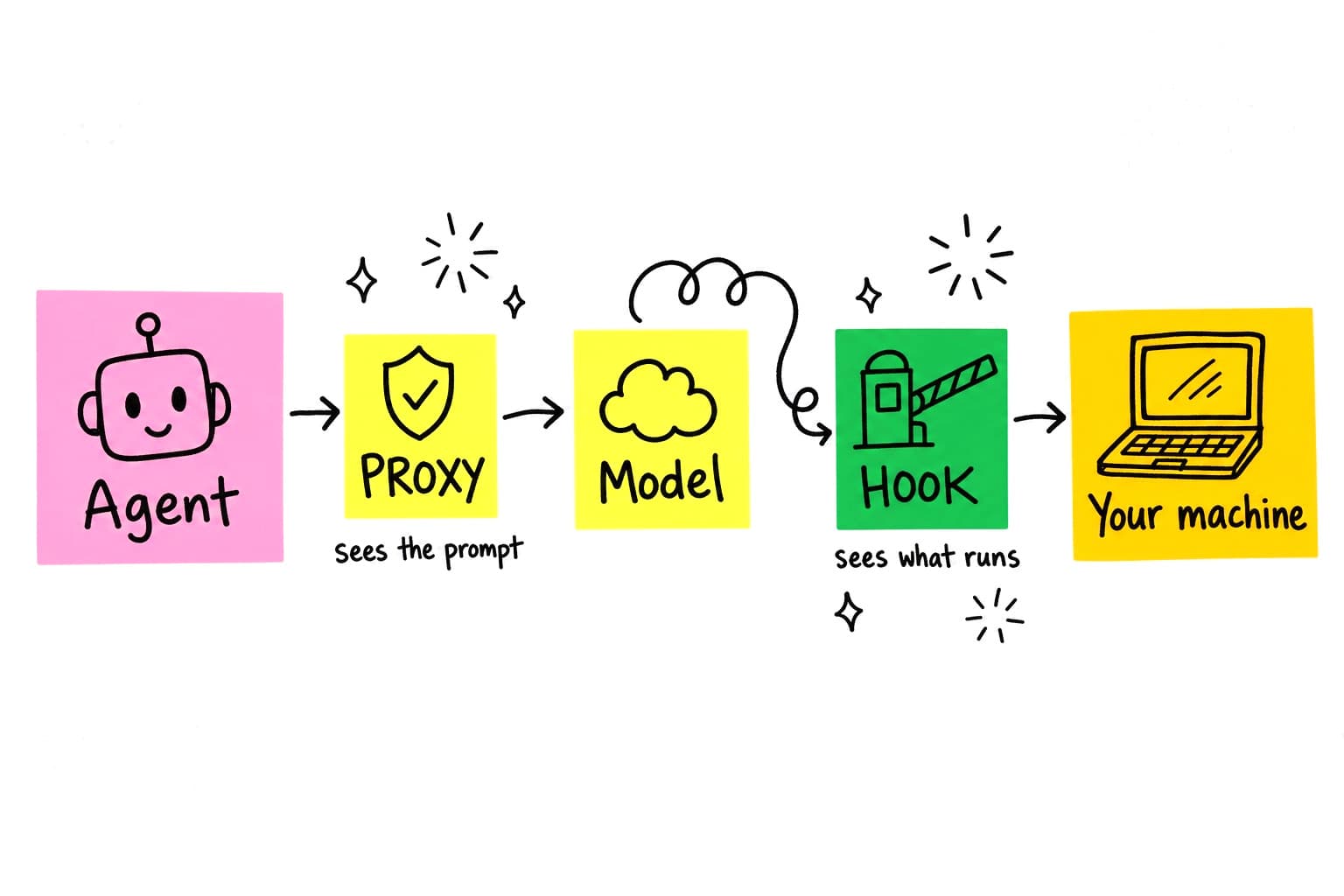
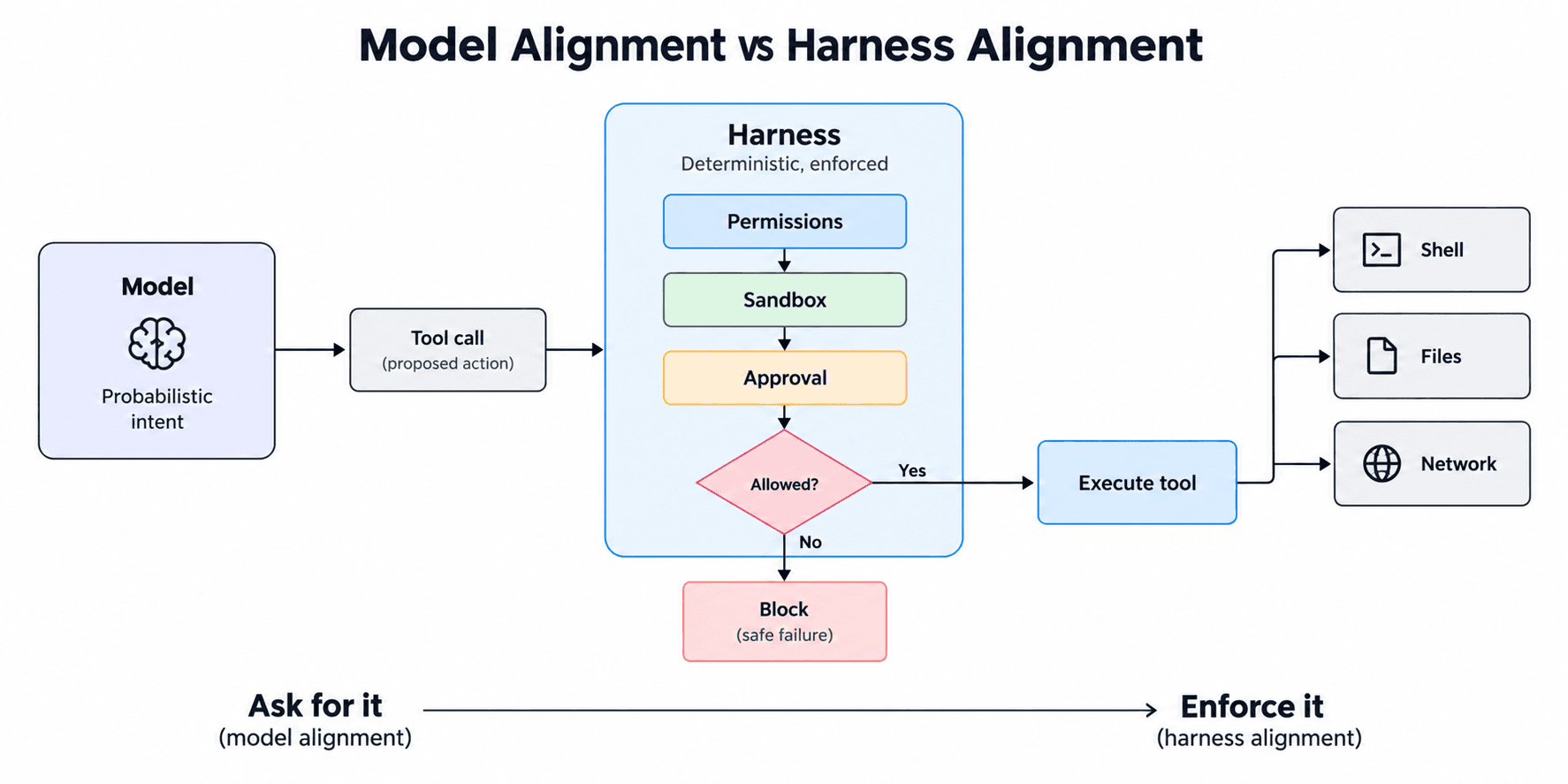
Every check above happens before install. The last one happens continuously. Between the moment an agent decides to call a tool and the moment the tool runs, there is one point where the call can still be read, logged, or refused. A setup with nothing at that point is relying entirely on the nine checks that came before it holding forever.
What this adds up to
None of this needs specialized tooling. It needs treating an MCP server as what it is: a process that keeps running, keeps a connection open, and keeps the ability to redefine its own instructions after the review is over. The teams that get caught out are rarely the ones missing a security product. They are the ones who looked once, at install, and never again.