A hook is a shell command Claude Code runs for you when a specific event fires: before a tool call, after it returns, when a session starts, when the agent stops. Your command receives the event as JSON on stdin and its exit code decides what happens next.
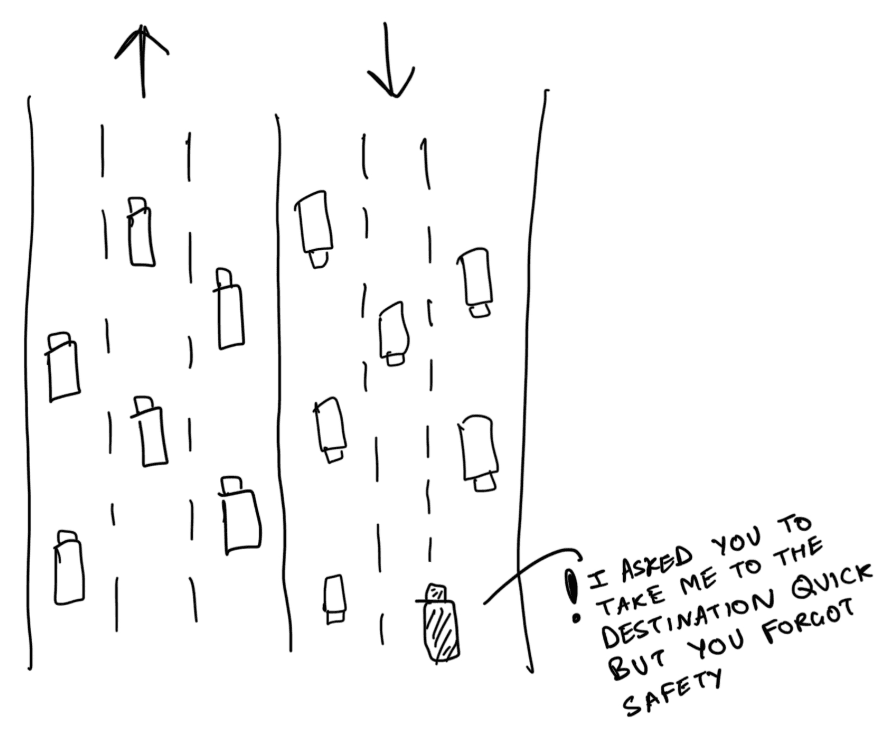
That last part is what makes hooks interesting for security rather than just for convenience. A prompt asking an agent to be careful is a suggestion. A PreToolUse hook that exits non-zero is a decision the agent cannot argue with.
The hook events worth knowing
Hooks are configured in your settings file under a hooks key, matched by event name and, for tool events, by a matcher on the tool name. The events that matter most in practice:
- PreToolUse - fires before a tool runs. This is the only event that can block an action, and it is where policy enforcement belongs.
- PostToolUse - fires after a tool returns. Good for logging, formatting, running tests, and scanning results before they reach the model.
- UserPromptSubmit - fires when you submit a prompt, before the model sees it. Useful for injecting context or screening input.
- Stop and SubagentStop - fire when the main agent or a subagent finishes. Common home for notifications and "did it actually finish the work" checks.
- SessionStart and SessionEnd - bracket the whole session. Useful for setup, teardown, and shipping an audit record somewhere durable.
What people actually use hooks for
The popular hooks fall into a few buckets, roughly in order of how often you see them:
- Formatting and linting - run Prettier, gofmt, or ruff on every file the agent edits, so you never review a diff full of style noise.
- Notifications - a Stop hook that pings you when a long run finishes, so you are not babysitting a terminal.
- Guardrails - a PreToolUse hook that refuses destructive shell commands, writes outside the repo, or edits to files that should never be touched.
- Secret protection - screening tool inputs and outputs so credentials never reach the model context or a log.
- Audit - appending every tool call to a structured event log you can search later.
Why the guardrail hook is the hard one
The first three are a weekend project. The guardrail hook is where it gets difficult, because writing one means answering questions a formatter never has to: is this rm command destructive or routine cleanup? Is this file read fine in a test but not in production? Is this API call exfiltration or the actual task?
Most hand-rolled guardrail hooks start as a regex list of forbidden commands. They then fail in both directions at once - blocking safe work that happens to match a pattern, while missing the same dangerous action written a slightly different way. The maintenance burden lands on whoever wrote the regex.
Policy as configuration, not as regex
Prismor installs as a Claude Code hook and replaces the regex list with a policy you can read. Rules are written declaratively - match on the tool, the command, the path, the secret class - and each rule allows, warns, or blocks. Changing what your agents may do is an edit to policy, not a rewrite of a shell script.
Because Prismor sits at the same PreToolUse boundary as any other hook, it sees the action before it happens: the exact command, the file path, the MCP tool and its arguments. Secrets are redacted at that boundary too, so they never reach the model context or your logs.
The same policy covers Claude Code, other coding agents, and every MCP server your agents connect to, so you are not maintaining one hook script per tool.
When your hooks are not firing
Hooks that silently do nothing are the most common complaint, and the cause is usually mundane. Work through these in order:
- Check the settings file you edited is the one in effect - project settings, local settings, and user settings all exist, and the wrong file looks identical to a broken hook.
- Confirm the matcher matches. Tool names are case-sensitive and an empty or mistyped matcher will never fire.
- Run your hook command by hand with the same JSON on stdin. Most "hook not working" reports are the command failing on its own.
- Remember that only PreToolUse can block. A PostToolUse hook exiting non-zero cannot undo an action that already ran.
- Check the command is on PATH for the shell Claude Code spawns, which is not always the shell you tested in.
A crowded field, one boundary
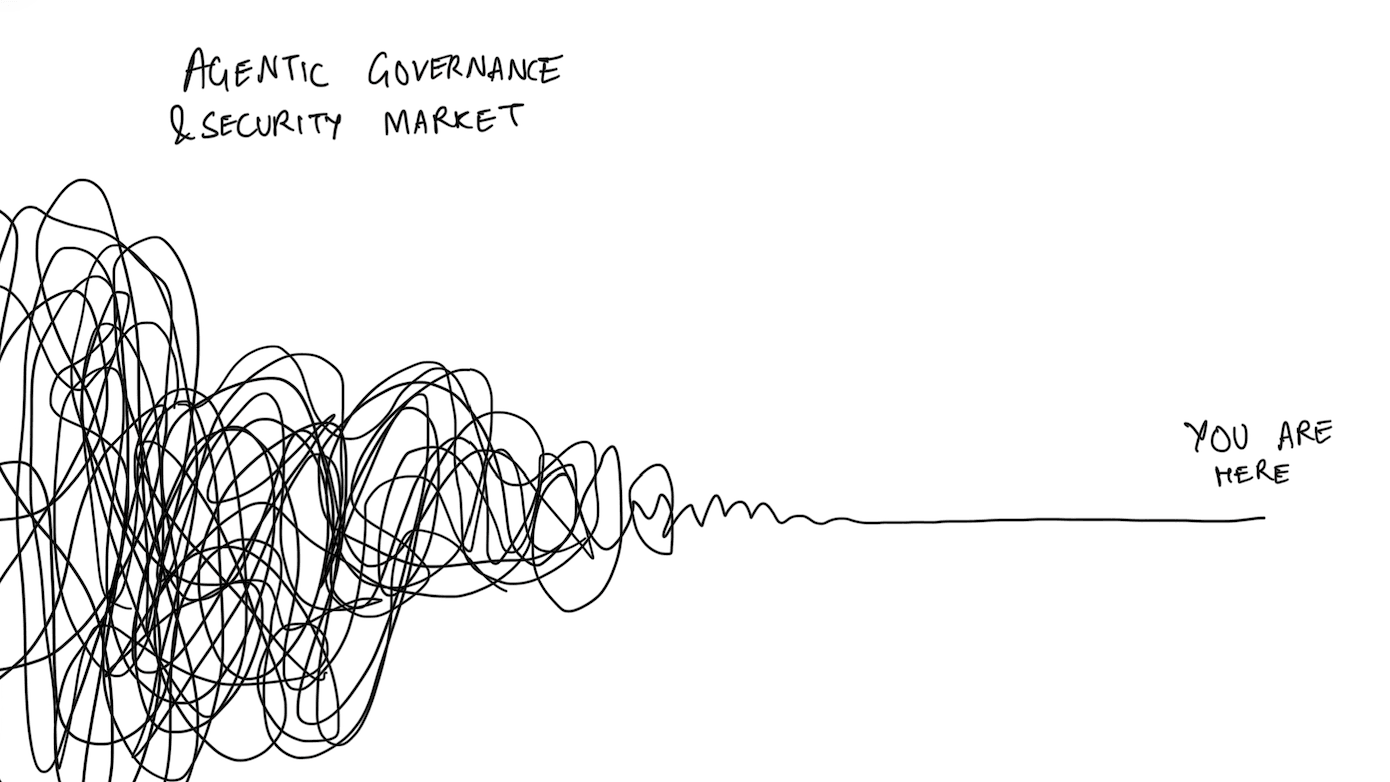
Agent governance is a noisy market, and most of the noise sits upstream of the moment an agent actually does something. Prismor works at the tool call, where the action lands and where a decision still changes the outcome.
Frequently asked questions
What are hooks in Claude Code?
Hooks are shell commands Claude Code runs automatically at defined points in a session, such as before or after a tool call. The hook receives event data as JSON on stdin, and a PreToolUse hook can block the action by exiting non-zero.
What is the primary purpose of hooks in Claude Code?
To make agent behavior deterministic. Instructions in a prompt are advisory and the model may ignore them; a hook runs every time and can enforce the outcome, which is why hooks are the right place for formatting, logging, and security policy.
Can a hook stop Claude Code from running a command?
Yes, but only a PreToolUse hook. If it exits with a blocking status the tool call never runs and the reason is returned to the agent. Hooks on later events can observe and react, but cannot undo an action.
Why are my Claude Code hooks not working?
Usually the wrong settings file, a matcher that does not match the tool name, or a hook command that fails when run on its own. Test the command by hand with the event JSON on stdin before assuming hooks are broken.
Do I need to write my own security hook?
You can, and a small deny list is a reasonable start. Prismor exists because that list stops scaling once you have several agents, several machines, and MCP servers in the mix: it installs as a hook and enforces one readable policy across all of them.
Want a control plane over your AI agents?
Prismor checks every tool call your agents make against your policy, blocks what breaks it, and keeps the audit trail. Run the open-source runtime yourself, or let us set it up across your org.
Or email [email protected]