Every time Claude Code wants to run a command, edit a file, or call an MCP tool, it checks its permission rules. Rules live in your settings file as allow, ask, and deny lists, each entry naming a tool and an optional pattern. Deny wins, then allow, and anything unmatched falls through to a prompt.
This is genuinely useful, and for a single developer on a single laptop it is often enough. The gap opens when you need the same answer to hold across a team.
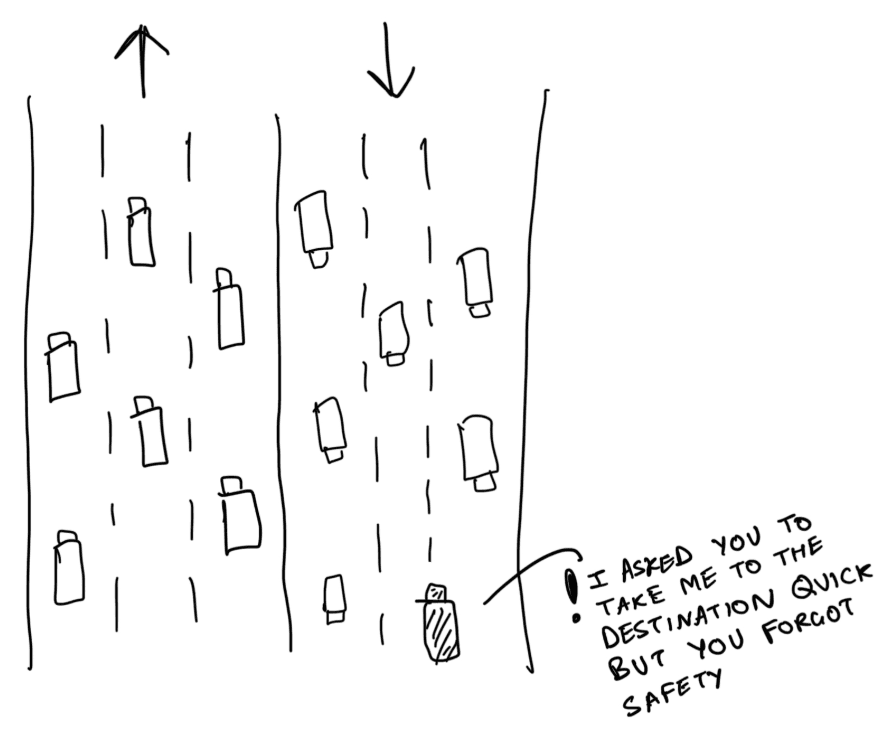
How the built-in rules work
Permission rules are scoped by tool name with an optional argument pattern, so you can be specific about what is allowed rather than turning a whole tool on or off:
- Allow - the action runs with no prompt. Best reserved for things that are safe every single time.
- Ask - the action pauses for your confirmation. The default for anything with consequences.
- Deny - the action is refused outright, and deny beats any matching allow rule.
- Permission modes shift the baseline for a whole session: plan mode prevents changes entirely, accept-edits stops prompting on file edits, and there is a bypass mode that skips checks altogether.
Where per-tool rules stop scaling
The rules are attached to a settings file on a machine. That is the root of every limitation that follows:
- Local edits win locally. A developer can loosen their own rules or start a session in bypass mode, and nothing outside that machine knows it happened.
- Prompt fatigue erodes the boundary. Ask rules that fire twenty times an hour get promoted to allow, usually by whoever is most tired.
- Coverage stops at Claude Code. Other agents, CI runners, and MCP servers do not read these rules.
- A permission decision is not an audit record. You know a prompt was answered; you cannot show an auditor what was asked, by whom, and what happened next.
- Rules match syntax, not intent. A pattern that blocks one spelling of a destructive command will not block the same action written another way.
One policy, enforced everywhere
Prismor installs at the same boundary as the permission check and applies a policy that lives outside the developer machine. Rules match on the action itself - the command, the path, the secret class, the MCP tool - and evaluate the same way regardless of which agent or laptop triggered them.
Run in observe mode first to record what your agents actually do without blocking anything, then switch to enforce once the policy reflects reality. Mode can be set per device, so one machine can be moved to enforce without disrupting the rest of the fleet.
Every decision, allowed or blocked, is written to a structured event stream with secrets redacted at the source. That is the part local permissions cannot give you: proof, after the fact, for an agent that has already moved on.
Use both
This is not a replacement. Keep the built-in permissions doing what they are good at - fast local defaults, quiet approval of routine work - and let policy handle the rules that must hold across everyone, along with the record that they did.
A crowded field, one boundary
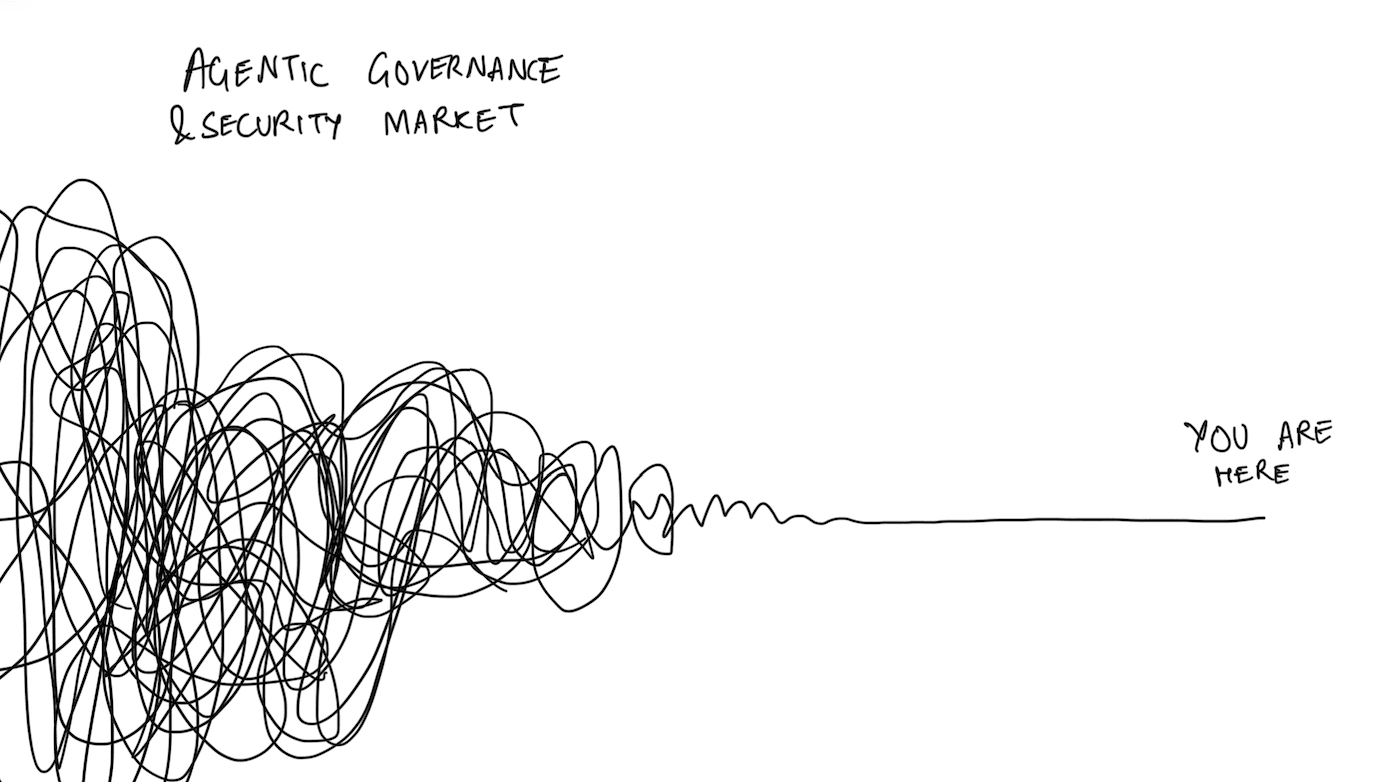
Agent governance is a noisy market, and most of the noise sits upstream of the moment an agent actually does something. Prismor works at the tool call, where the action lands and where a decision still changes the outcome.
Frequently asked questions
How do Claude Code permissions work?
Rules in your settings file map tools, and optionally argument patterns, to allow, ask, or deny. Deny takes precedence over allow, and anything unmatched prompts you for confirmation. Permission modes can shift that baseline for an entire session.
Can a developer override the permission rules?
Yes. Rules live in settings files on the machine, and a session can be started in a mode that skips the checks. Anything you need to hold across a team has to be enforced from outside the developer machine.
Do permissions cover MCP servers and other agents?
Claude Code permissions govern Claude Code. Other agents and the MCP servers they connect to have their own settings, or none, which is why teams running several agents move to a single policy at the tool-call boundary.
What is the difference between permissions and policy?
A permission is a local answer to "may I do this now". A policy is an organizational answer to "may this ever be done, by anyone, and can we prove what happened". Both operate at the same moment; only one survives contact with a fleet.
Want a control plane over your AI agents?
Prismor checks every tool call your agents make against your policy, blocks what breaks it, and keeps the audit trail. Run the open-source runtime yourself, or let us set it up across your org.
Or email [email protected]